 Niko
Screenshots
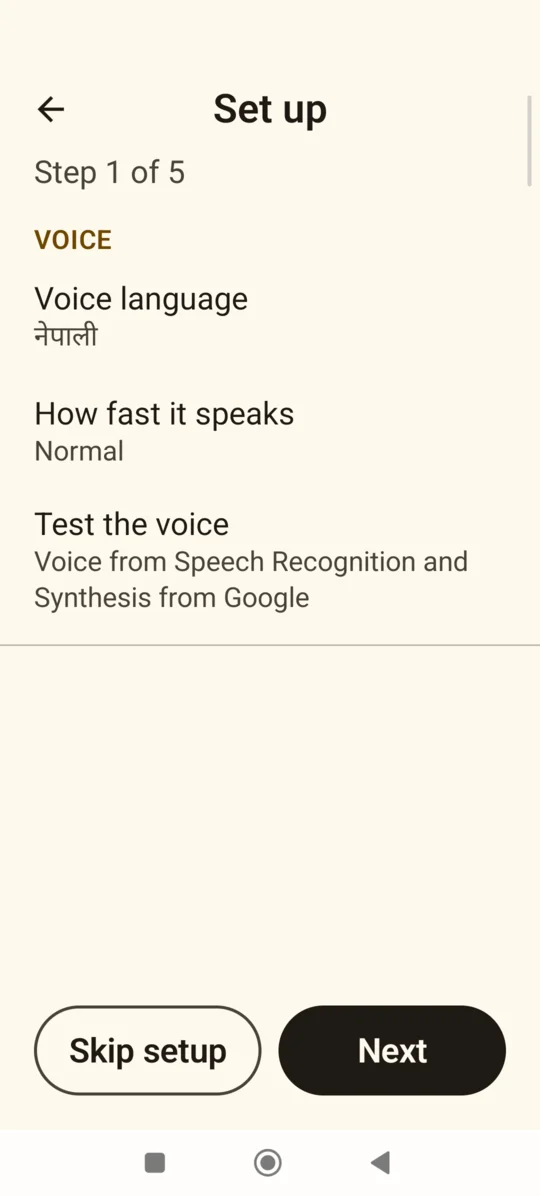
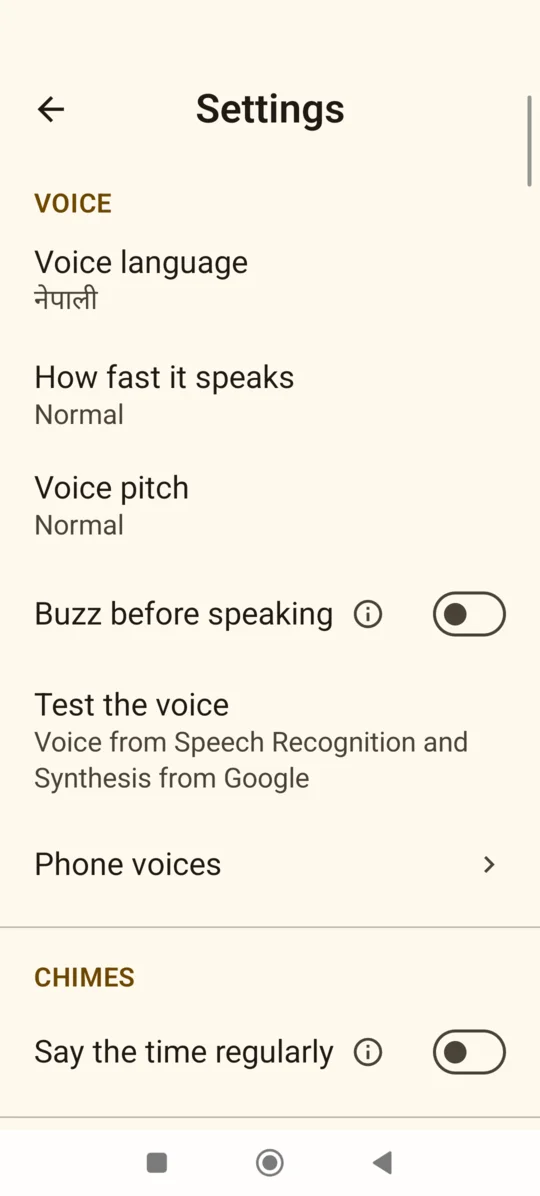
What it does
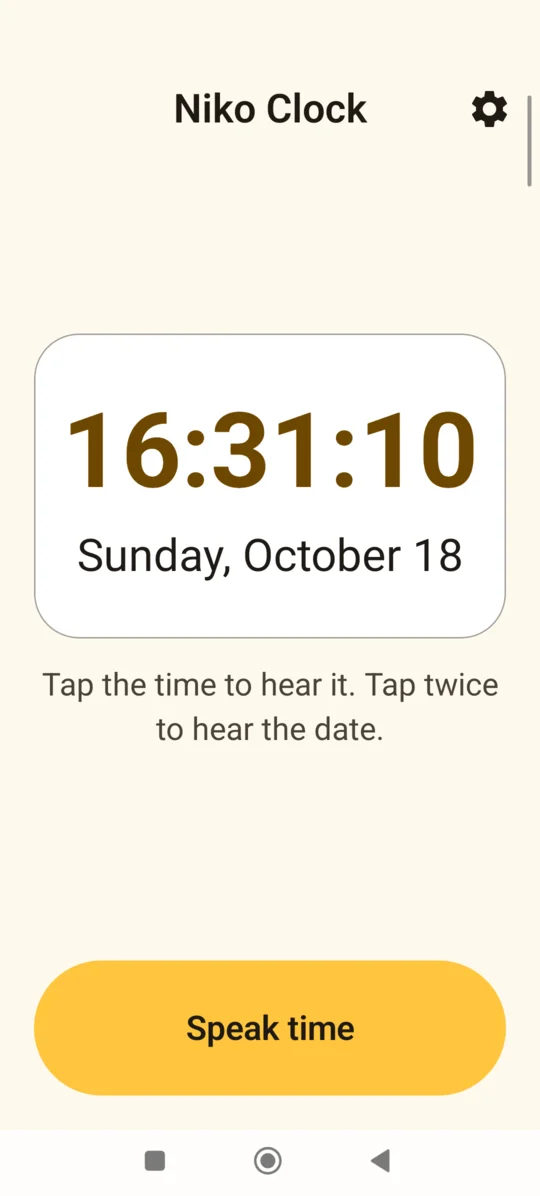
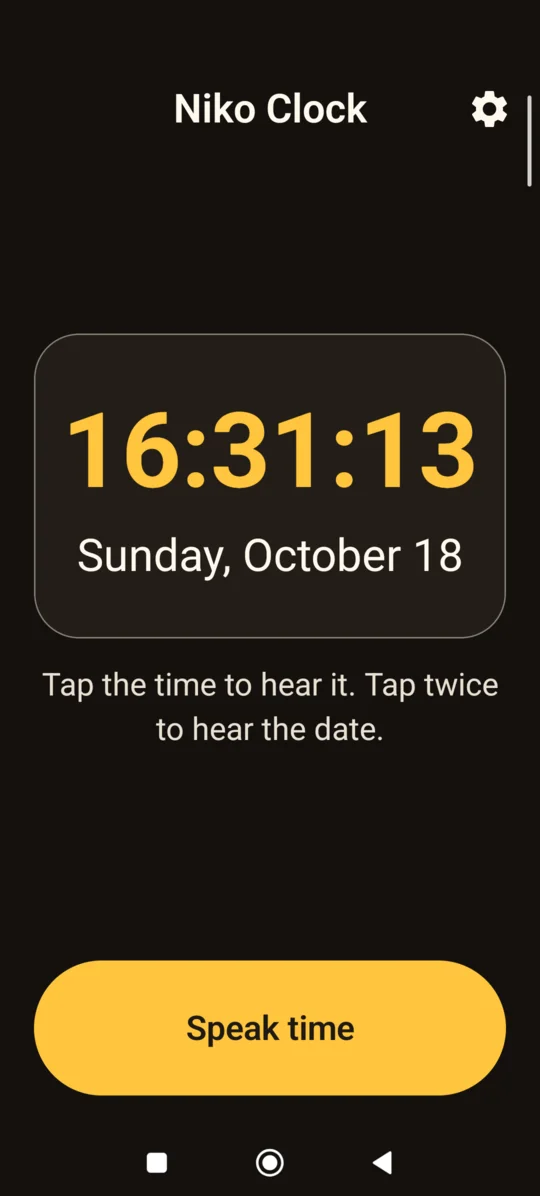
- Tap to hear the time. Tap the clock or press the big button. Tap twice for the date.
- Shake to hear it. Works with the screen off and the phone locked. Shake again for the date.
- Chimes. Says the time by itself every hour, half hour or quarter hour, with its own volume.
- Quiet at night. No chimes during quiet hours or Do Not Disturb. Asking still works.
- Day clock. Turns the screen into a large "Tuesday morning" clock with the full date, for people who lose track of the day. Dark at night, and can stay on the lock screen while charging.
- Nepali date and a note. Can show the Bikram Sambat date and a short note from a helper, and read both after the date.
- Good morning. Can say good morning and the date at 6, 7 or 8.
- Tiles and widgets. Hear the time or the date from quick settings, or from a home screen widget.
- Speaks like a person. "It's quarter to four in the afternoon", not "fifteen forty-five".
- Set up by a helper. A short setup on first open. Settings can be locked with a PIN.
- Keeps speaking. Warns when a phone setting may stop it, and shows when it last spoke by itself.
Languages
Speaks: English, नेपाली, हिन्दी, বাংলা, اردو, Español, Português, Français, Bahasa Indonesia.
Screen: English, नेपाली, हिन्दी, বাংলা, اردو, العربية, Español, Português, Français, Bahasa Indonesia.
Install
- On the phone, tap Download for Android at the top of this page.
- Open the file. If the phone asks, allow installing apps from this source.
- Open Niko Clock and tap the time to hear it.
For automatic updates and keeping it running on Xiaomi, Samsung and similar phones, see install help.
Privacy
No internet permission, nothing collected, no ads, no account. How Niko handles privacy.
What does it keep on the phone?
Its settings: voice language, speed and pitch, chime times, quiet hours, shake settings, text size, day clock and morning greeting choices, the time it last spoke, and a short note if a helper writes one. A helper PIN is kept only as a one-way hash, never as the numbers themselves.
What is each permission for?
- Alarms: to say the time on the minute, and good morning at the time a helper picks.
- Run at startup: to start chimes and shake again after the phone restarts.
- Foreground service and keep awake: to listen for a shake and to finish speaking with the screen off.
- Notifications: to show that shake listening is on, as Android requires.
- Vibrate: for the optional buzz before speaking.
It has no permission for the internet, location, contacts, microphone, camera, storage or phone calls.
Does the voice send anything anywhere?
Niko Clock doesn't. The voice comes from the phone's own text-to-speech engine, such as Speech Services by Google. Niko Clock only gives it the sentence to say. What the engine does is covered by its maker's privacy policy.
Accessibility
Version 0.4.2 has been tried by hand on a Xiaomi phone and on the Android emulator, and tested on a Samsung Galaxy A01 at normal and 200% font size. Full testing comes before version 1.0. How Niko apps are built and tested.
What hasn't been tested yet?
- A full TalkBack pass of every screen, including setup and the PIN screens.
- 200% font size on more phones and every widget size.
- An Accessibility Scanner pass.
- Everyday use by people who can't read, blind people and older people.
- A native speaker review of the phrases in every language except English and Nepali. Bengali and Urdu need it most: their numbers are written by hand.
Are there known problems?
- The settings gear, back arrow, backspace and the (i) buttons in settings show only an icon. Each has a TalkBack label.
- On the smallest widget size with very large text, the date can be cut short.
- Some phones stop apps in the background to save battery. The app warns about this, but can't always detect the phone maker's own settings.
Questions
It stopped saying the time by itself. What do I do?
The phone is most likely stopping it to save battery. Set Niko Clock's battery use to "No restrictions" or "Unrestricted". Step by step for each phone.
It says a voice is missing.
The phone has no voice installed for that language. Install or update Speech Services by Google from the Play Store, then add the language in the phone's text-to-speech settings. Niko Clock won't speak another language instead.
Can it stay quiet at night?
Yes. Set quiet hours in settings. Chimes also stop during Do Not Disturb. Tapping or shaking still says the time.
Does it need the internet?
No. It has no internet permission and works fully offline.
What's new in 0.4.2
Released 22 October 2026.
- Day clock mode: the day, the part of the day, the date and the time in large words.
- The Nepali (Bikram Sambat) date under the date, said in English and Nepali.
- A short note from a helper, shown on the clock and read after the date.
- A good morning message with the date at 6, 7 or 8.
- The day clock can stay on the lock screen while the phone charges.
- Says the time in French, Indonesian, Bengali and Urdu.